CNC routing vs laser cutting, on wood boards
Two machines, two different jobs, and a decision most drawings make for you once you know what each one physically cannot do. Written from a shop floor running four routers and a 100W CO2 laser side by side.
The short answer
When to use a CNC router, and when to use the laser
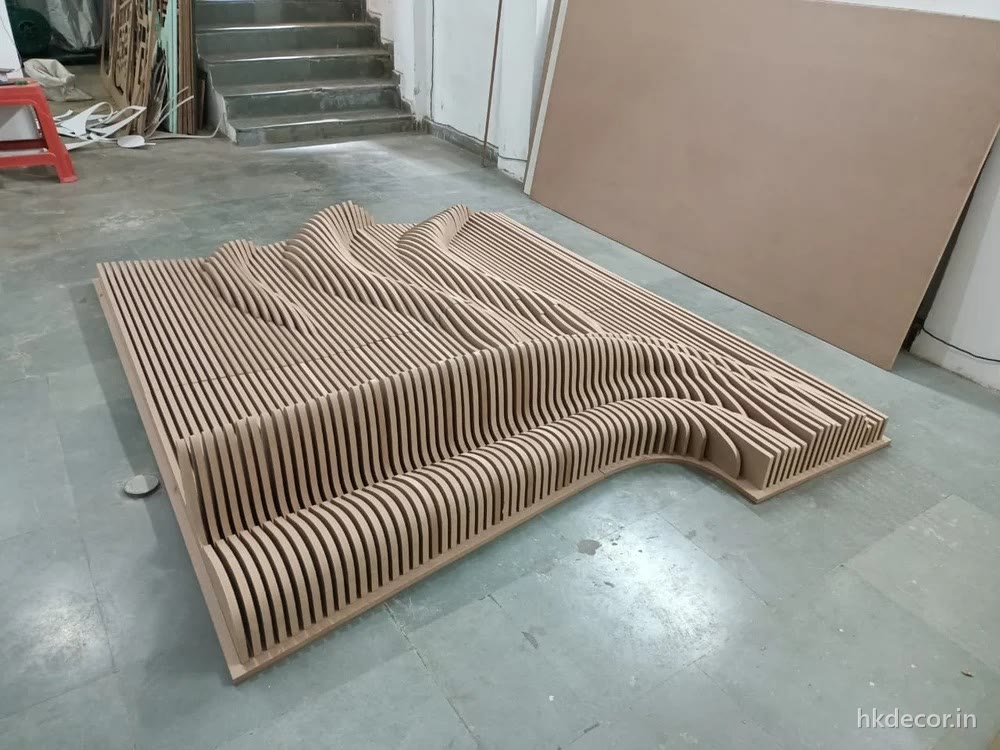
Use the router for anything thicker than 10mm, anything with 3D depth, and anything that has to be structural. Use the laser for fine filigree, engraving and small parts in thin board. Almost every architectural panel — parametric walls, doors, fluted panels, jaali in 12mm and 18mm — is a router job. Almost every kit, inlay, tag and delicate lace-pattern piece is a laser job.
The reason is not preference. A router removes material with a spinning bit, so it can go as deep as the bit is long and leave a shaped, three-dimensional surface behind — but it can never cut a corner sharper than the bit is round. A laser burns a line straight through, so it leaves true sharp corners and a kerf a fraction of a millimetre wide — but it has no depth control worth the name and it stops working as the board gets thick.
Everything below follows from those two facts.
What each machine actually does
What the CNC router does that the laser cannot
Depth is the whole answer, and it is not a small difference.
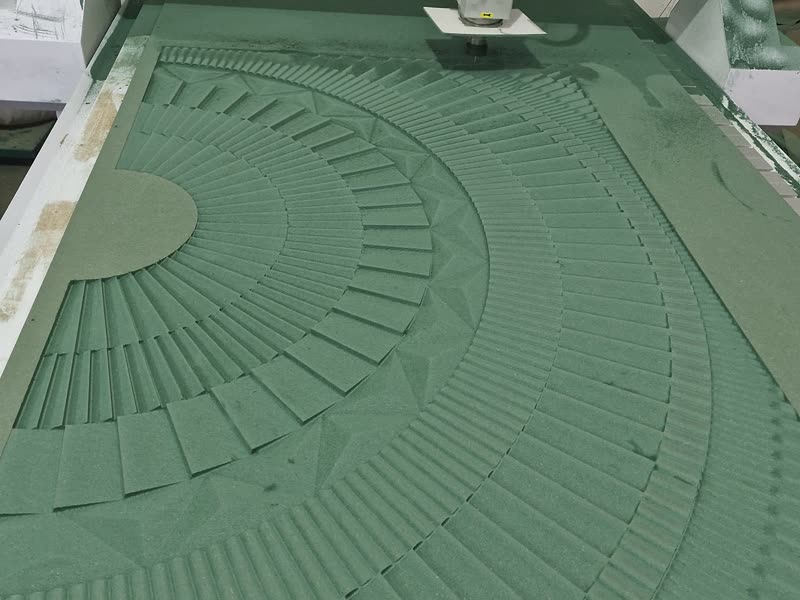
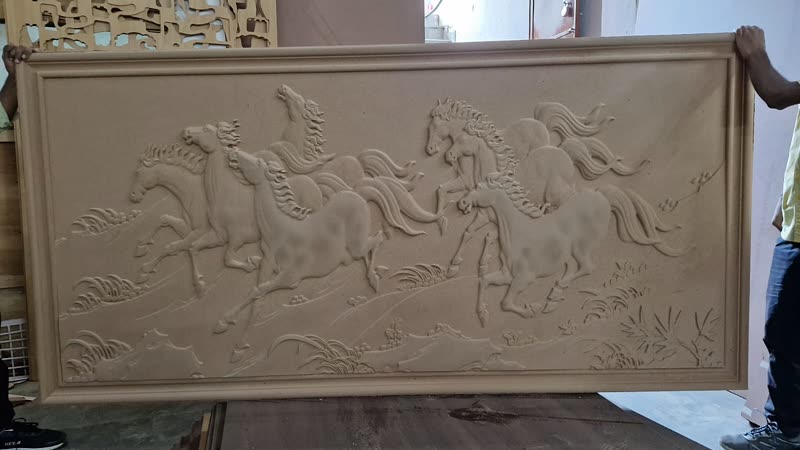
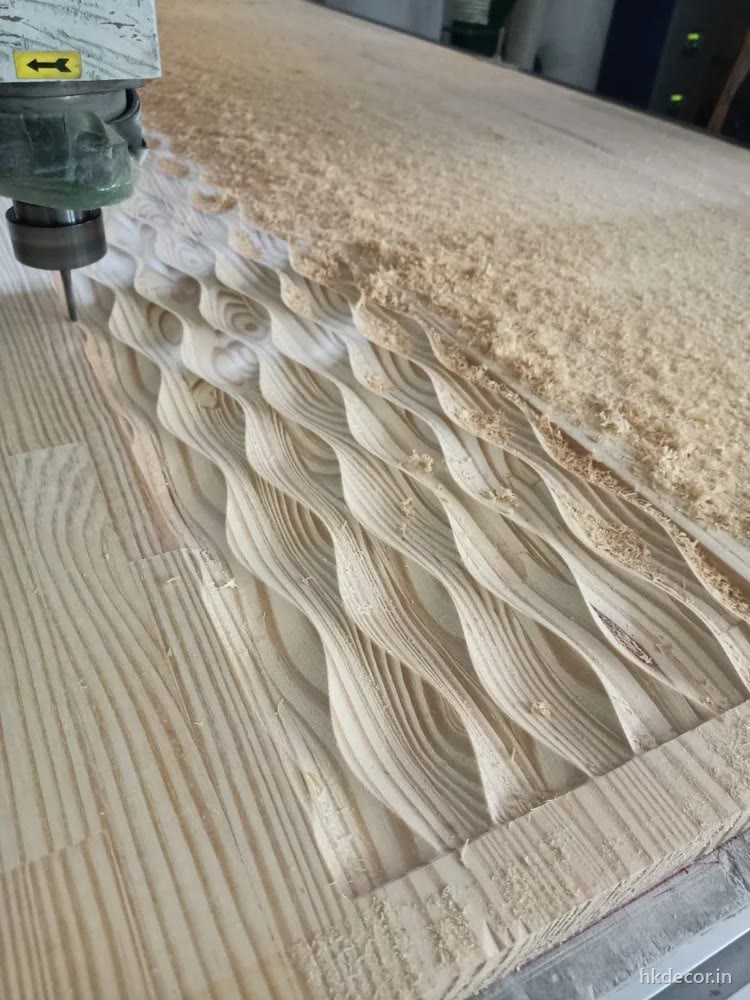
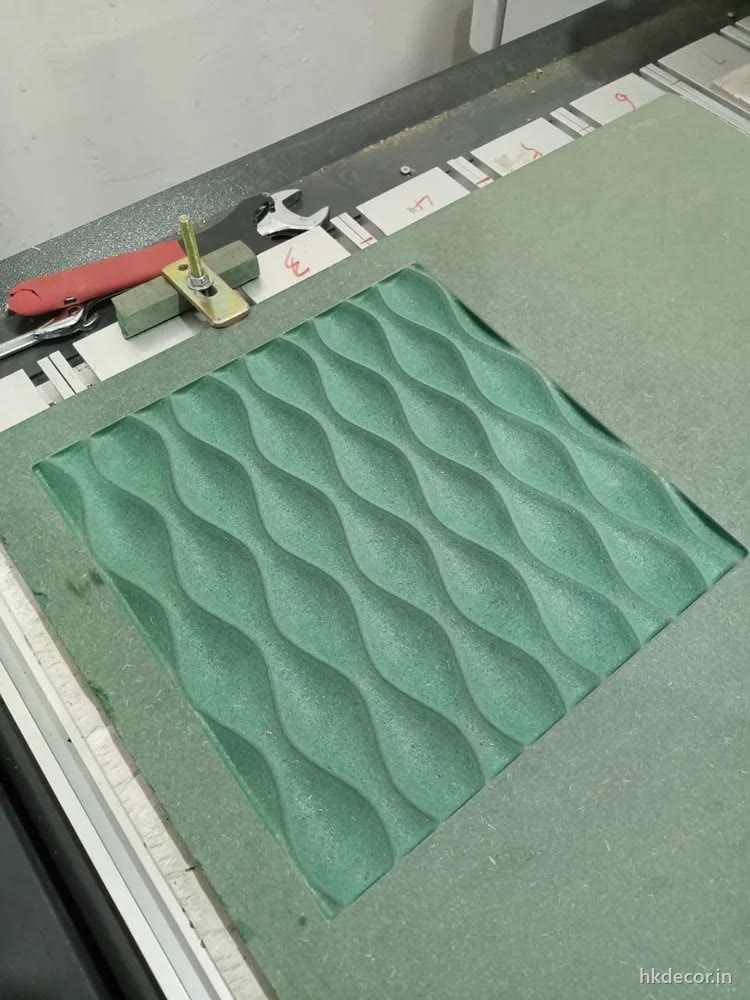
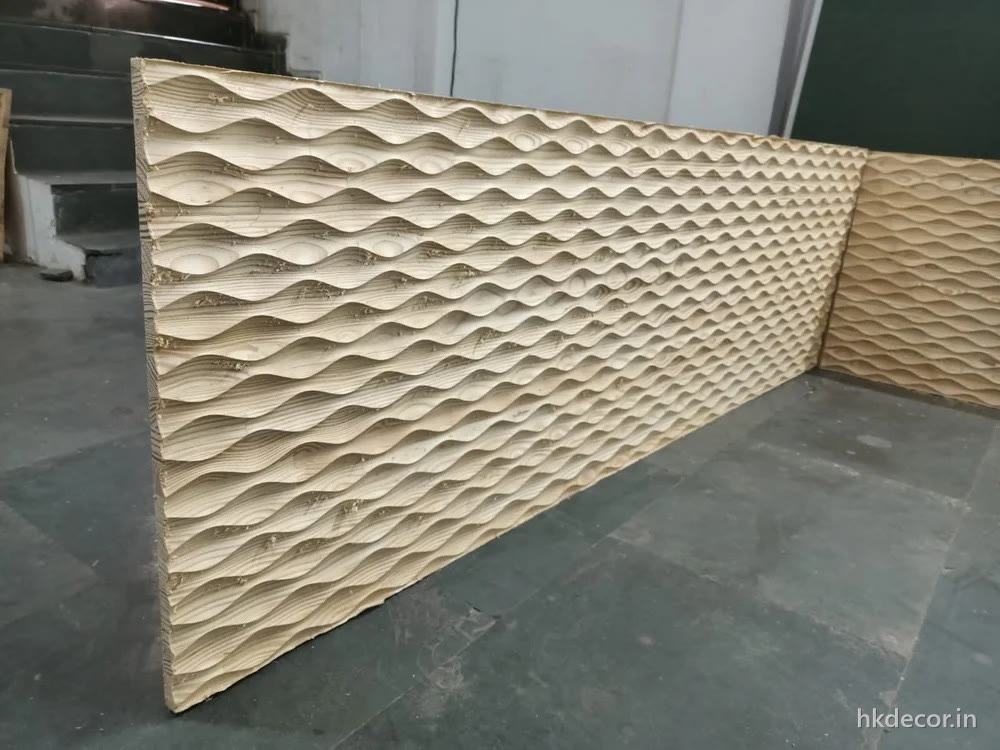
A router bit can be told to go down 3mm, 12mm or 22mm and to vary that depth continuously across a surface. That is what makes a 3D relief, a parametric wave, a carved door and a fluted groove possible at all — every one of those is a controlled partial-depth cut, not a hole. The laser has one depth setting: through, or a shallow surface burn. There is no third option, and no way to carve a wave with light.
The router also cuts thick. We take boards from 4mm up to 30mm through, on beds up to 10ft × 5ft, and hold ±0.3mm across that whole area. Thickness is where a laser gives up long before a router does. And because the router cuts mechanically rather than thermally, the edge is clean pale timber that takes primer directly — no scorch line to sand or hide.
The limitation to design around is the bit radius. A 3mm cutter leaves a 1.5mm internal radius; a 6mm cutter leaves 3mm. Every internal corner in a routed part is rounded by exactly that much. On a jaali web or a rib nobody notices. On a sharp-cornered geometric inlay, they do.
What the laser does that the router cannot
Fineness, and true corners.
The CO2 beam is a fraction of a millimetre wide, so it cuts detail no bit can reach — a 1.5mm hole, a hairline separation between two motifs, a sharp internal corner with no radius at all. Delicate filigree, lace-like patterns, small interlocking kit parts and fine script all belong on the laser. It also engraves properly: raster-burning a photograph, a logo or a signature into a surface is something a router cannot approach, because a bit cannot make a mark that fine.
There is no tool pressure either, so parts too small or thin to be clamped down for a router — 4mm pieces the size of a coin — cut cleanly with nothing holding them but the sheet around them.
The trade-offs are real. Laser cutting MDF thickness tops out at about 10mm on our 100W machine, and it is a soft ceiling rather than a hard one: 4mm to 6mm cuts fast and clean, 8mm is slower, 10mm is slow with a noticeably darker edge, and past that the beam stops making it through cleanly whatever the power. Every laser edge is charred to some degree — usually fine, sometimes wanted, but it transfers onto hands and light fabrics unless it is sealed or painted. And WPC is not a laser material at all: it melts rather than cuts, so we do not run it.
Kerf and tolerance: the practical difference
Kerf is the width of material the cut removes, and it decides whether parts fit each other.
A router's kerf is the bit diameter — typically 3mm, 6mm or 12.7mm — which is large, entirely predictable, and compensated in the toolpath so the finished part lands on the drawn line. A laser's kerf is roughly 0.1mm to 0.3mm depending on power and thickness, small enough that people forget to account for it, which is exactly why laser-cut interlocking parts sometimes come out a touch loose.
Our working tolerance is ±0.3mm on the router across the full bed. The laser is finer on a small part but drifts more over a large sheet, because thermal expansion in the material itself becomes the limiting factor rather than the machine. So for a big panel that has to line up with another big panel, the router is more predictable — which is another reason architectural work stays on it.
Where a job genuinely needs both, we run both: the panel routed, the fine inserts lasered, and the two assembled here before dispatch.
Comparison
CNC routing vs laser cutting, on the numbers
Our own machines: three 8ft × 4ft routers, one 10ft × 5ft router, one 100W CO2 laser.
CNC router
CO2 laser
Board choice interacts with this — WPC cannot be lasered at all. See the HDHMR vs MDF board guide.
Still unsure?
By job
Which machine your drawing belongs on
The calls we make most often, so you can check yours against them before sending it.
- Router: parametric wall panels — depth varies across the surface, which only a bit can do.
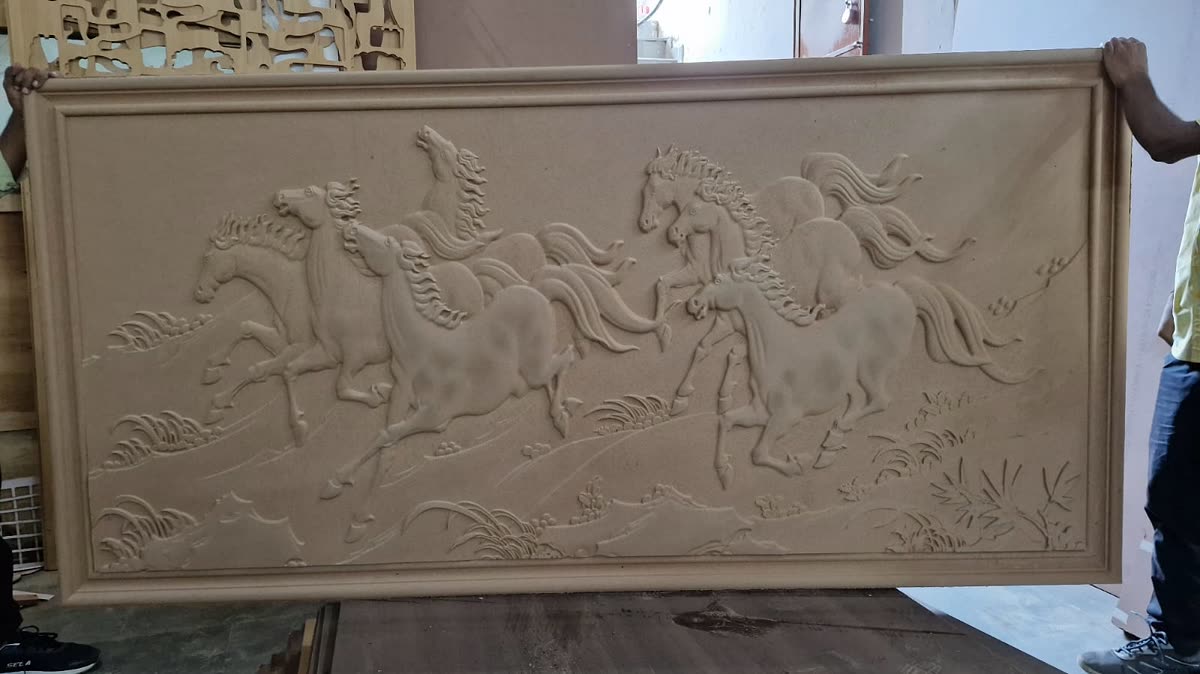
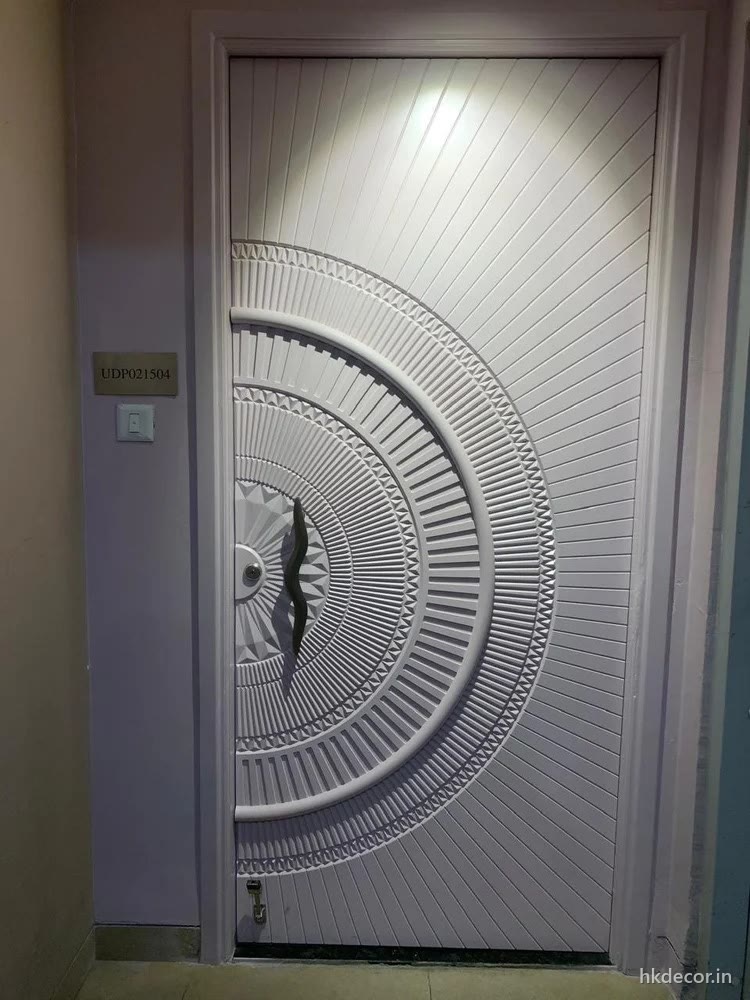
- Router: 3D carved doors — 25mm to 30mm board and 8mm to 18mm of relief, both far outside laser range.
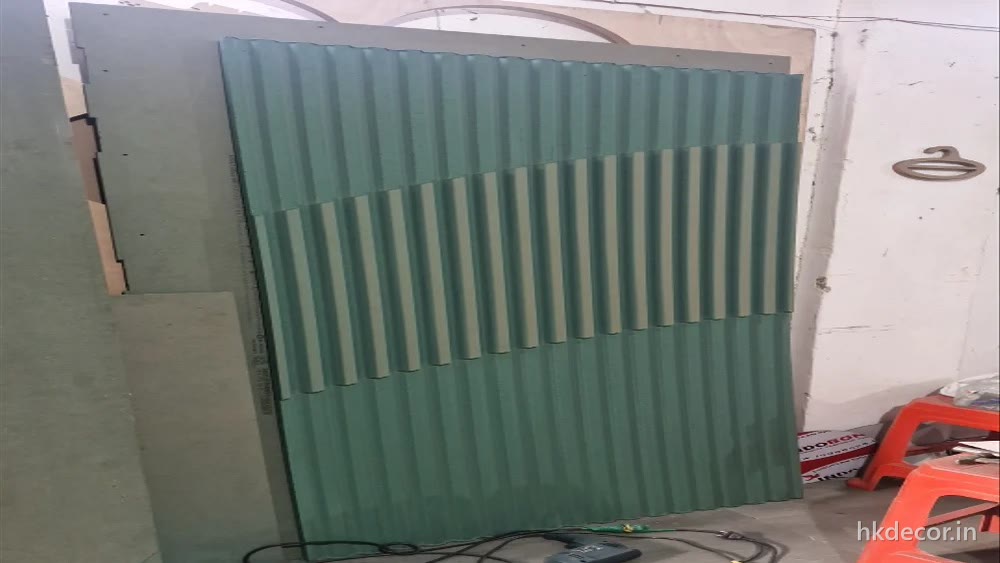
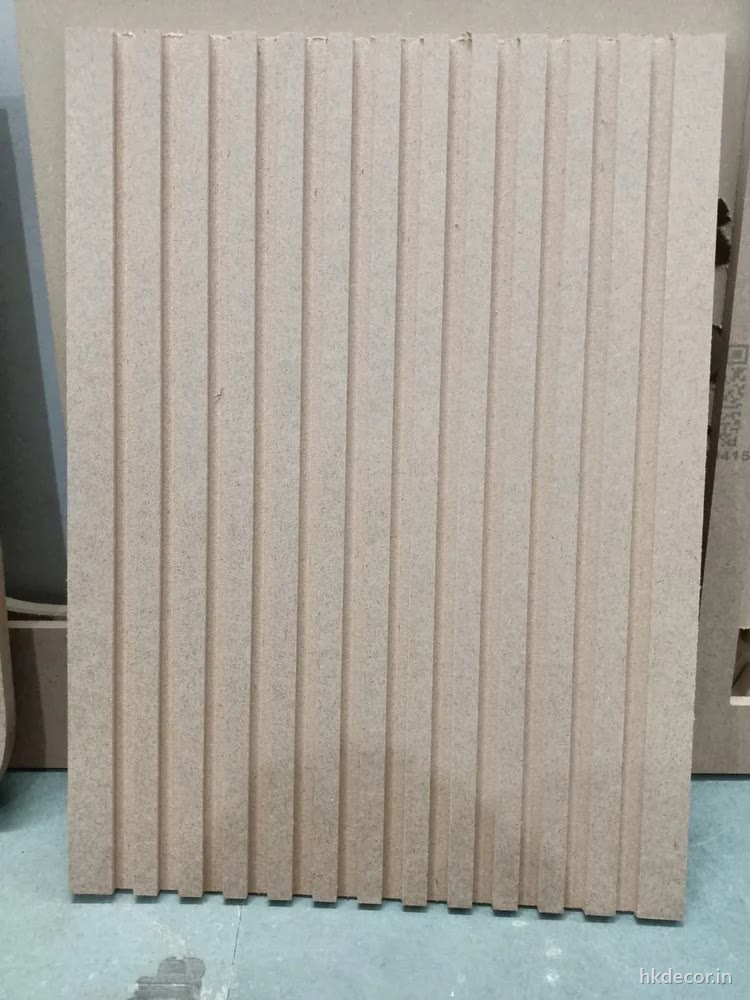
- Router: fluted and tambour panels — a flute is a partial-depth groove with a shaped section; a laser can only make a slot.
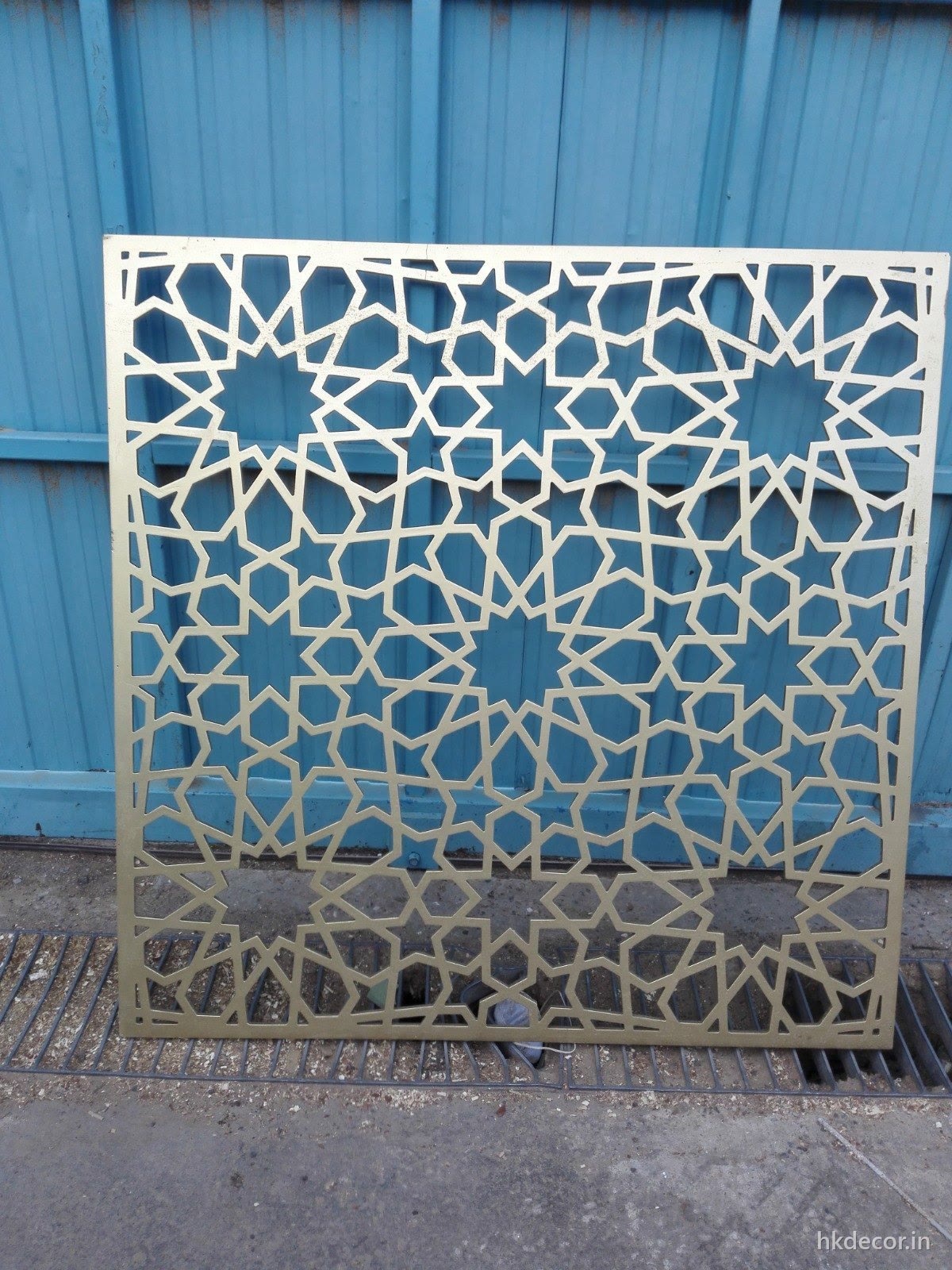
- Router: jaali screens in 12mm and 18mm, and anything free-standing or framed.
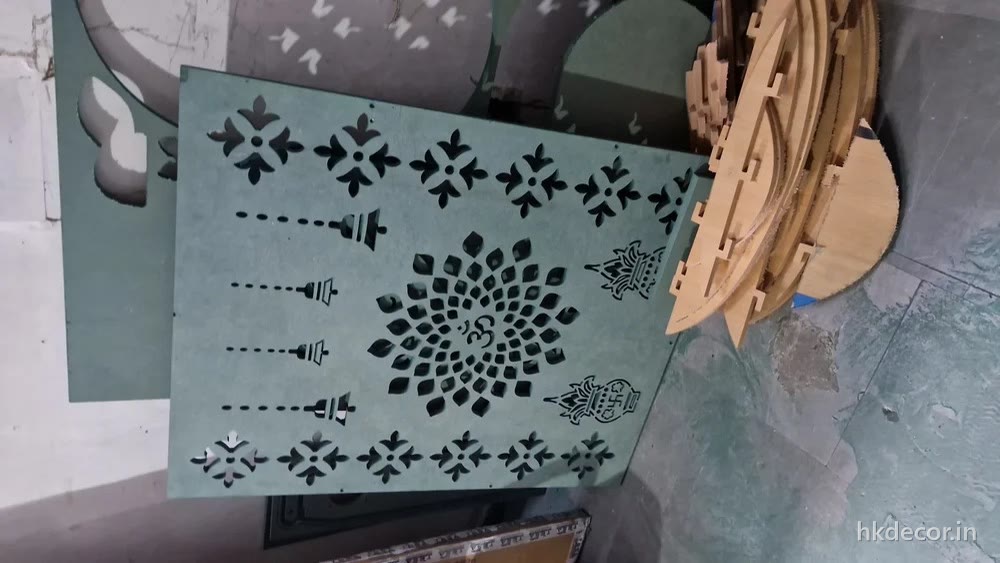
- Laser: filigree jaali in 4mm to 8mm, where the pattern is finer than a 4mm hole.
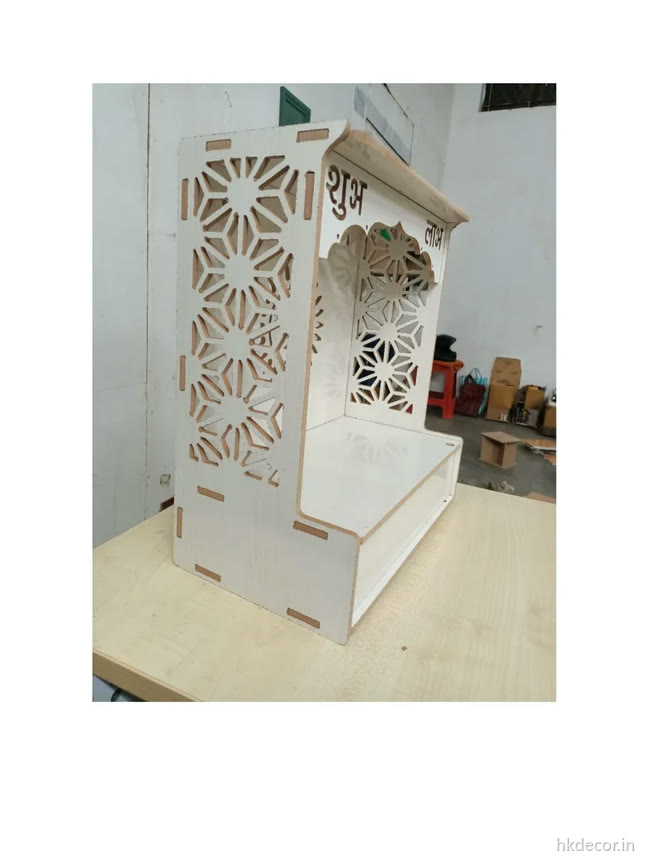
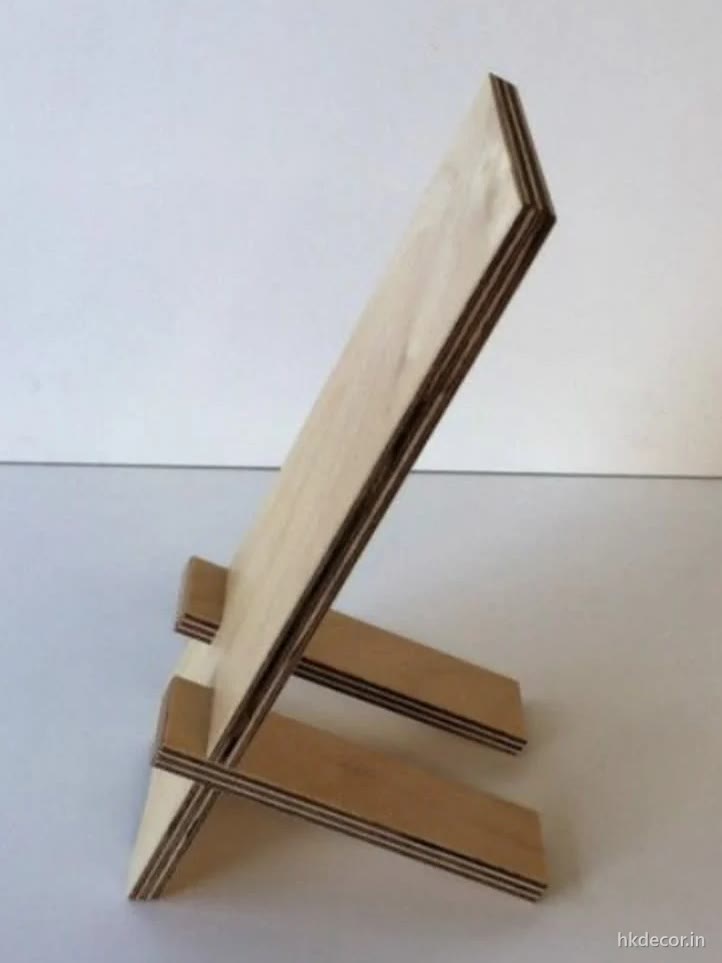
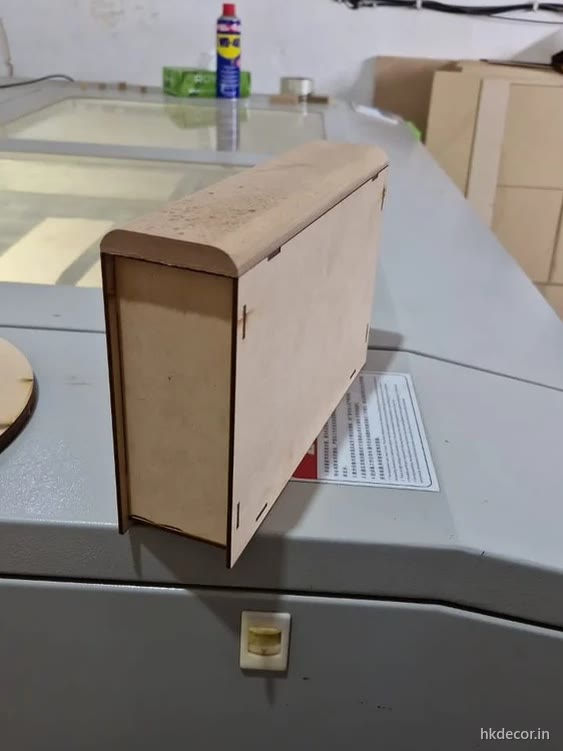
- Laser: DIY kits, flat-pack mandirs, layered lamps, small interlocking parts — thin board, tight tolerance, no clamping.
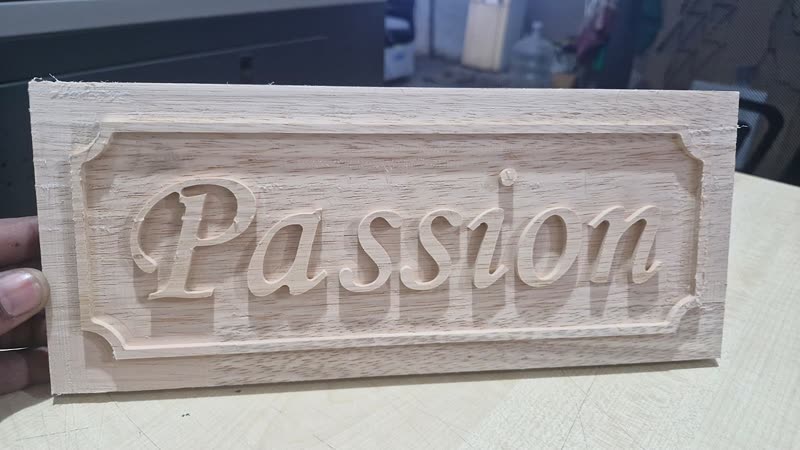
- Laser: engraved name plates, awards, logos and any raster engraving.
- Both: a routed signage panel with lasered lettering inset into it; a routed relief with lasered inlay.
If it is not obvious which side of the line your job falls on, send the drawing. We will tell you which machine it goes on and why before quoting — and if it is a laser job we will say so, even though the router work is the bigger part of what we do.
Examples
Router work and laser work, side by side
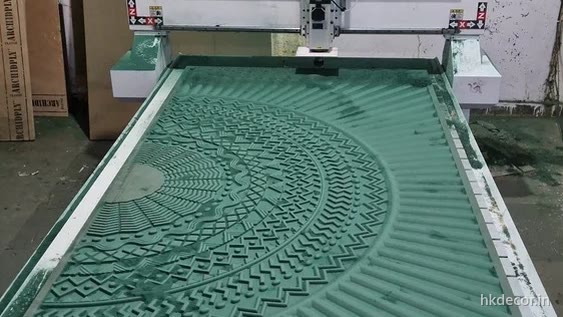
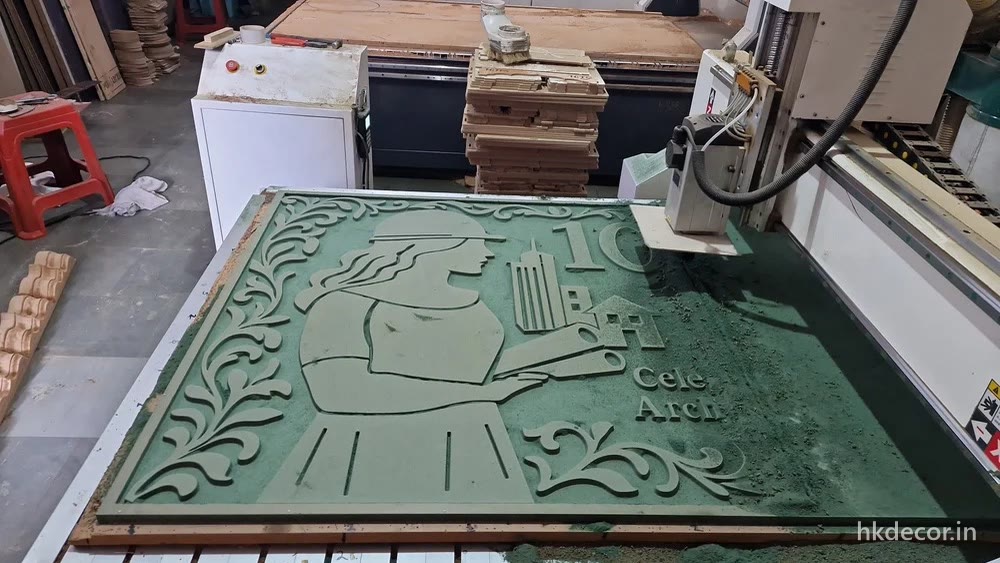
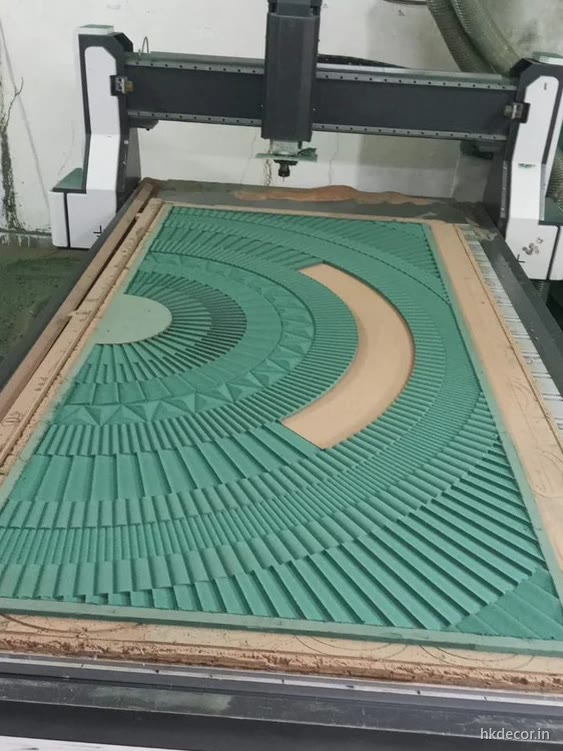
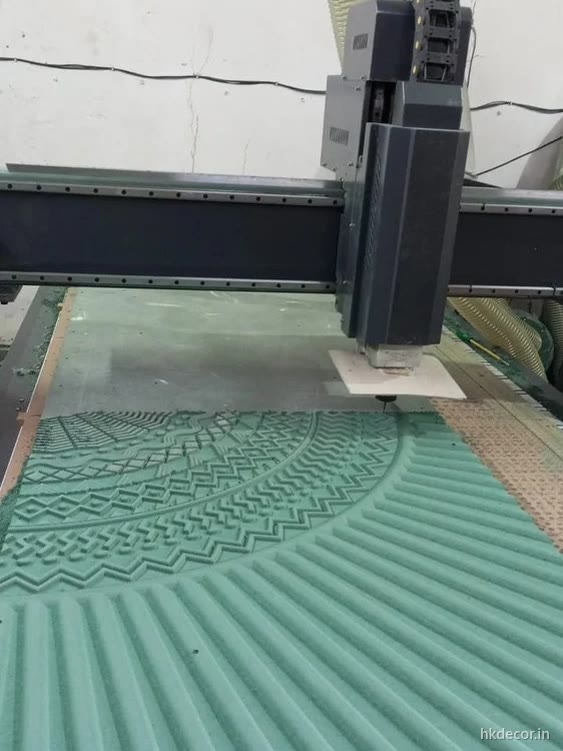
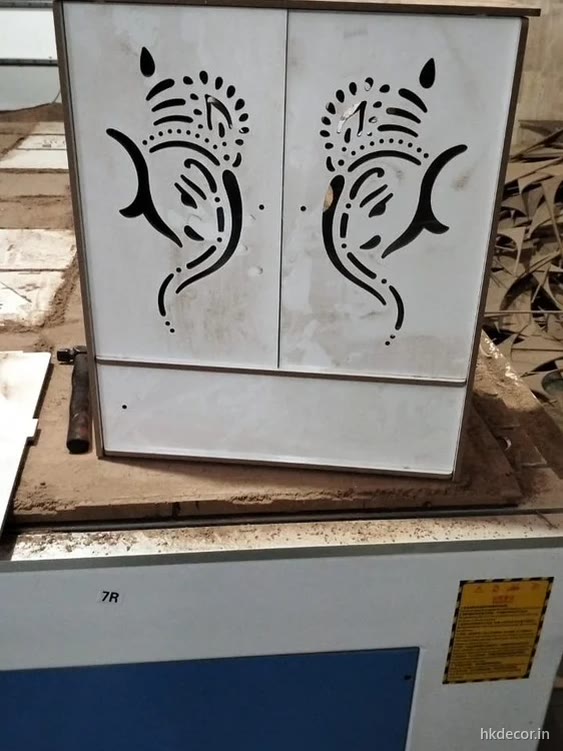
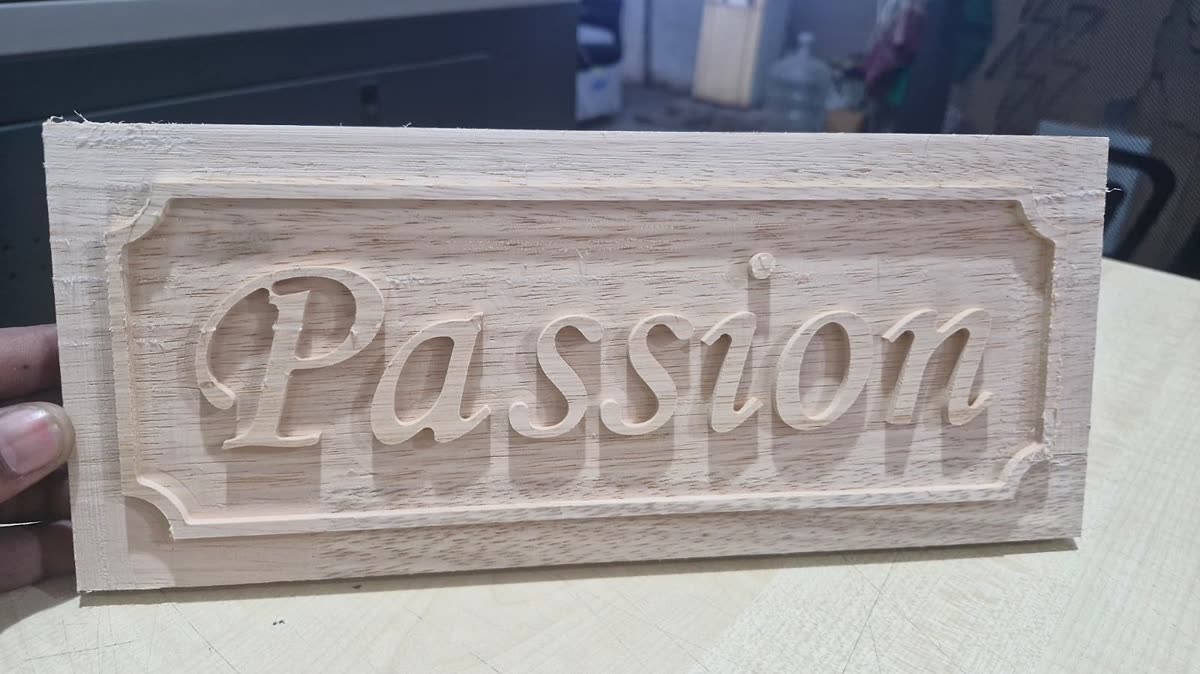
The first four are router jobs — depth, thickness and full sheets. The last four are laser work: fine perforated parts, thin board and a slot-together kit.
Machine datasheet · rev 08.2026
What is on the floor
- Routers
- 3 × 3-axis, 8ft × 4ft bed
1 × 3-axis, 10ft × 5ft bed - Router depth
- 4mm–30mm through-cut · 3D relief to 22mm
- Tooling
- 3mm–12.7mm straight, ball-nose and V-bit
- Router tolerance
- ±0.3mm across the bed
- Laser
- 1 × 100W CO2
- Laser range
- Cutting to 10mm · engraving on any thickness
- Boards
- MDF · HDHMR · WPC (router only) · plywood
- Not cut here
- Metal · acrylic · stone
- Files
- DXF, DWG, AI, PDF, CDR — vector, with type as outlines
- Combined jobs
- Routed panels with lasered inserts, assembled before dispatch
- Turnaround
- 7–10 working days · 3–4 days express
- Dispatch
- Across Delhi NCR · edge-protected pan-India
FAQ
Router and laser questions
How thick can a CO2 laser cut MDF cleanly?
On our 100W machine, up to about 10mm, and the quality falls off well before that. 4mm to 6mm cuts fast with a consistent edge. 8mm is slower and darker. 10mm is slow, heavily charred and often taper-edged, because the beam narrows as it goes through. Anything thicker is a router job — more power does not fix it, it just burns more.
Will the laser leave burn marks on my parts?
Yes, on every cut edge — that is how the process works. On MDF it is a consistent dark brown that many designs use deliberately. It does transfer onto hands and light fabric, so anything that will be handled gets sealed, painted or sanded on the face. If a completely clean pale edge matters, the part has to be routed instead.
My drawing has sharp internal corners. Can the router do them?
Not truly sharp — every internal corner comes out with the bit's radius, 1.5mm on a 3mm cutter. There are three ways round it: accept the radius (invisible on most patterns), add a small relief cut at each corner so a mating part still seats, or cut that component on the laser if it is thin enough. We flag the affected corners when we send the cutting file back.
Which is cheaper for the same part, router or laser?
It depends entirely on thickness and detail, not on the machine. In 4mm to 6mm board with a lot of fine detail, the laser is faster and therefore cheaper. In 18mm board, the laser cannot do it at all. On a deep 3D carving, router time dominates the price and reducing depth saves more than reducing area. We quote from the actual file rather than by machine type.
Can you cut acrylic or metal on either machine?
No. We cut engineered wood boards only — MDF, HDHMR, WPC and plywood. A CO2 laser will cut acrylic and our routers could machine some plastics, but it is not what this shop is set up for, and dust, extraction and finishing here are all built around board. We would rather say no than do it badly.
Can one job use both machines?
Regularly. A signage panel routed out of 18mm HDHMR with lettering lasered from 4mm board and inset into it is a common combination, as is a routed relief with lasered inlay. Both machines are in the same building, so the parts are cut, fitted and finished together rather than shipped between suppliers.
Other services
We also cut
Contact
Send the drawing. We reply today.
Email us [email protected] · attach DXF, PDF or a photo- Workshop
- Bijwasan, New Delhi
- [email protected]
- Hours
- Mon–Sun, 9:00am – 7:30pm
- Serving
- Delhi · Gurugram · Noida · Faridabad · Ghaziabad · pan-India dispatch
Prefer a form? It reaches the same team.